Built because the alternatives weren't quite right.
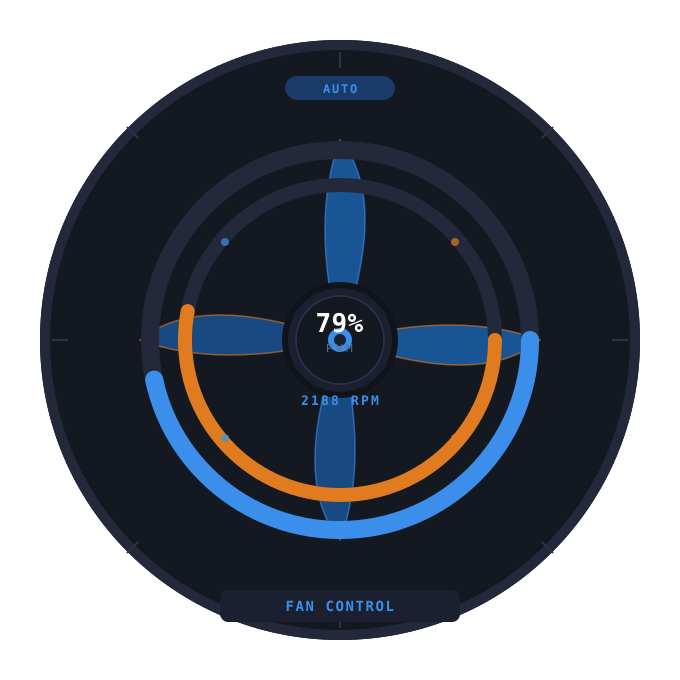
Fan Control Desktop is a from-scratch PySide6 GUI for Linux fan management. It exists for people who want a real desktop app — keyboard-friendly, dark, fast — instead of a terminal session or a webview wrapped in Electron.
What it is
A native Linux desktop application that reads and writes the kernel's hwmon sysfs files directly. It supports per-fan PWM control, temperature curves, hardware discovery, and live RPM history.
Who it's for
People building or running Linux desktops who want quiet, controlled airflow without booting into BIOS to tweak fan curves. Tested first on Ubuntu 25.10, but the udev approach works on any modern distro with lm-sensors.
Project status
Privacy & cookies
This website uses Google Analytics to count visits and see which pages people actually read. That is the only tracking here: there is no advertising, no profiling, and nothing is shared or sold.
Analytics is switched off by default. No analytics cookie is written and no data is sent until you press Accept on the banner. If you press Reject, or simply ignore it, the tracker stays disabled for the whole visit. Your choice is remembered in your browser's local storage, not in a cookie, and you can change it here whenever you like.
When analytics is enabled, Google receives the pages you view, rough location from a truncated IP address, and basic device and browser information. See Google's privacy policy for what they do with it.
The application itself sends nothing anywhere. Fan Control has no telemetry, no update check and no network code at all — it only reads and writes the fan control files on your own machine.
Tech stack
- Python 3.11+
- PySide6 (Qt 6)
- Linux
hwmon - udev
- PyInstaller
- polkit (
pkexec)